E-Bike Display: What It Shows and What Matters for Everyday Riding

An e bike display is the main point where riders can check essential information while cycling. Speed, battery level and assistance level are some of the most common data shown, depending on the bike and system.
But more information on the screen does not necessarily mean a better display.
For everyday riding, what matters most is being able to read the essential information quickly, see the screen clearly in normal riding conditions and use the system without taking unnecessary attention away from the road.
This guide explains what an e bike display can show, which information really matters while riding and what to check when comparing different display systems.
Quick Answer: What Should an E-Bike Display Show?
For everyday use, an e bike display should make the most important riding information easy to check at a glance.
The most useful information is usually:
- current speed;
- battery level;
- assistance level or riding mode;
- basic trip information, when available.
More functions do not automatically create a better riding experience.
For urban riding, readability, information hierarchy and ease of use can be more important than having a large number of metrics on the screen at the same time.
What Does an E Bike Display Show?
The information available depends on the manufacturer, electrical system and specific model, but three types of information are particularly useful while riding.
Speed
Speed is one of the most immediate pieces of information shown on an e-bike display.
It allows you to check your current pace without using an additional device. On an e-bike, it can also help you understand how your riding changes as electrical assistance increases or decreases.
Speed does not need to dominate the entire screen, but it should be easy to identify with a quick glance.
Battery Level
Battery level tells you how much charge remains.
It is one of the most important pieces of information on any electric bike display, especially for riders who use their bike for everyday journeys.
However, battery level and remaining range are not exactly the same thing.
How far you can continue riding also depends on factors such as the assistance level being used, the route, riding conditions and how the bike is ridden.
Battery percentage or the battery indicator should therefore be understood primarily as a reference to the remaining charge.
Assistance Level
The assistance level shows how much electrical support the bike is providing.
Being able to identify it quickly is useful because it allows riders to adapt motor support to different situations — for example, using less assistance on an easy section or increasing support when the route requires it.
In everyday use, the aim is not to look at the display constantly, but to be able to confirm the selected mode when needed.
What Information Really Matters While Riding?
An e bike screen can display a large amount of data, but not all of it is equally important while the bike is moving.
For most urban journeys, the priorities are straightforward:
| Information | Why It Matters While Riding |
| Speed | Shows your current riding pace |
| Battery level | Helps you monitor the remaining charge |
| Assistance level | Shows which level of motor support is active |
| Trip information | Provides additional context about the ride when available |
The key is not to display as much information as possible, but to establish a clear hierarchy.
Information that you need while cycling should be visible quickly. More detailed route data, statistics or ride analysis can often be more useful after the journey or inside a dedicated app.
What Makes an E-Bike Display Easy to Use?
Screen technology is only one part of the experience.
For everyday riding, several other factors can be just as important.
Readability
An e bike display should be easy to check quickly.
Number size, contrast, information layout and behaviour under different lighting conditions can all affect readability.
The essential data should be distinguishable without requiring the rider to interpret a screen crowded with unnecessary elements.
Position
Display position also matters.
A screen integrated into the handlebar or stem keeps the information within the rider’s normal field of view and avoids adding another independent device to the bike.
The important question is whether the position feels natural from your actual riding posture.
Controls
The display and its controls should be considered as one system.
Changing the assistance level or checking a basic function should become straightforward once the rider is familiar with the bike.
During a test ride, it is worth checking whether the controls are easy to identify and whether the information displayed is understandable from the beginning.
Standard LCD vs IPS LCD: What Is the Difference on an E-Bike?
IPS is a type of LCD display technology. In e-bike specifications, however, manufacturers may distinguish between a standard LCD display and a colour IPS display because they can provide different viewing and interface experiences.
For the rider, the most useful question is not simply which technology is used, but whether the screen makes the necessary information easy to read and understand.
A more advanced e bike screen with IPS technology may offer colour, a more visual interface or a different presentation of riding information. However, that does not automatically make it necessary for every rider.
A standard LCD display can perform its job perfectly well if essential information such as speed, battery level and assistance is clearly presented.
An IPS LCD can provide a more visual interface and, depending on how it is implemented, a different viewing experience.
Instead of choosing a display based only on whether it is described as standard LCD or IPS LCD, it is better to consider how readable it is, what information it shows and how it has been integrated into the specific bike.
Integrated Display vs Separate Screen: What Matters for Everyday Use?
Some e-bikes integrate the display directly into the handlebar or stem, while others use a separate unit mounted on the cockpit.
An integrated display can contribute to a cleaner design and keep the screen in a fixed position within the overall bike configuration.
A separate display may provide different mounting or replacement options depending on the system.
Neither approach is automatically better.
When assessing an ebike display for daily use, check:
- whether the information is clearly visible from your normal riding position;
- whether the screen occupies a reasonable amount of space;
- whether the controls are easy to access;
- whether the integration avoids unnecessary elements around the handlebar;
- whether the essential information can be understood quickly.
E-Bike Display vs App: They Do Not Need to Do the Same Job
On a connected e-bike, the display and mobile app can perform different functions.
The e bike display is primarily useful for information you need while riding.
The app can extend the experience with functions that do not need to remain permanently visible on the handlebar.
The Reany Bikes App allows riders to record routes and review information such as distance, speed and ride duration. Reany also provides connected functions including OTA updates, Bluetooth locking and unlocking, last known location, support and bike sharing.
This creates a useful separation between two types of information:
While riding: essential information that should be quick and easy to read.
Before or after the ride: route history, configuration, connectivity and additional functions.
A technologically complete e-bike does not need to put every available function on one screen.
What Displays Does Reany Use on Its E-Bikes?
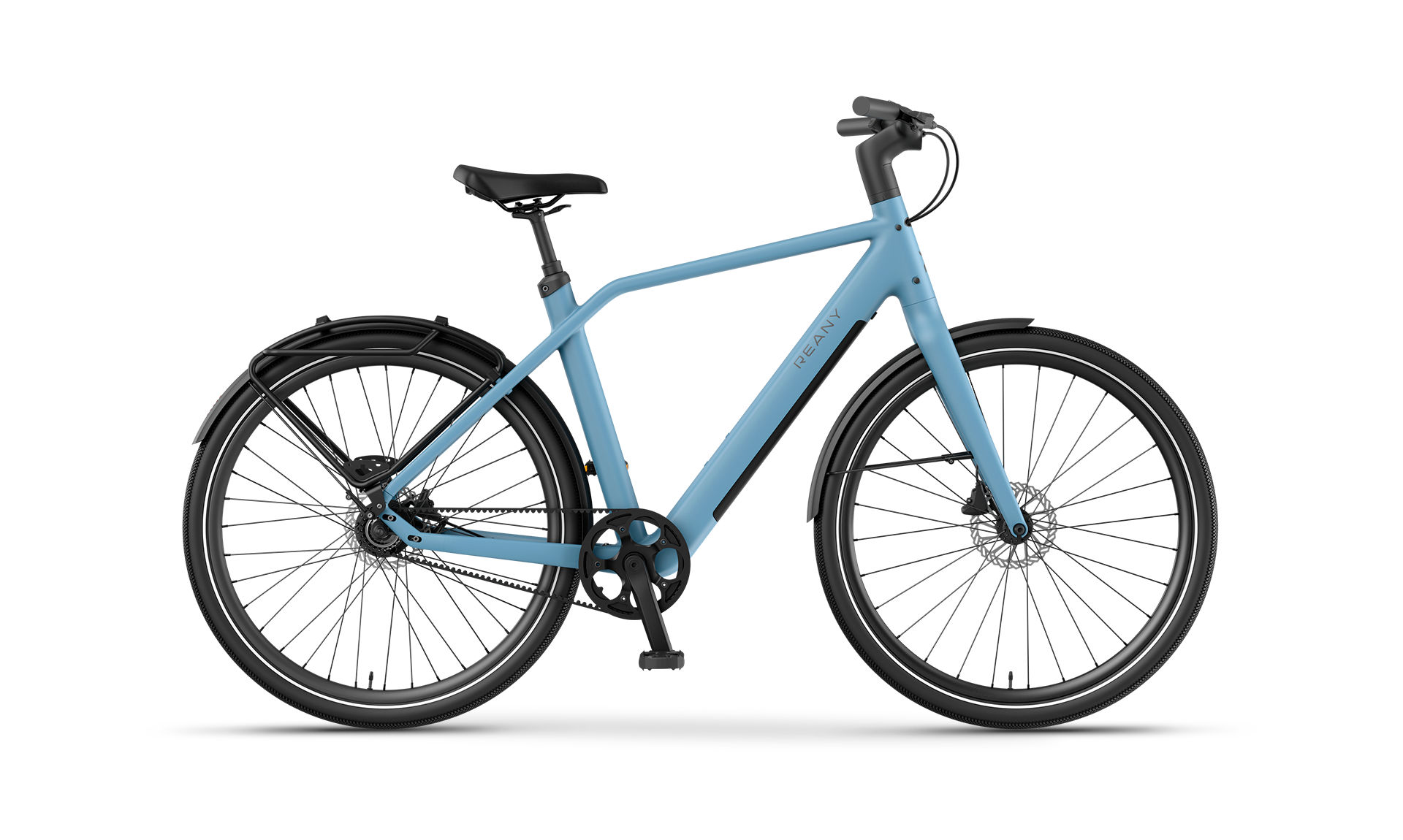
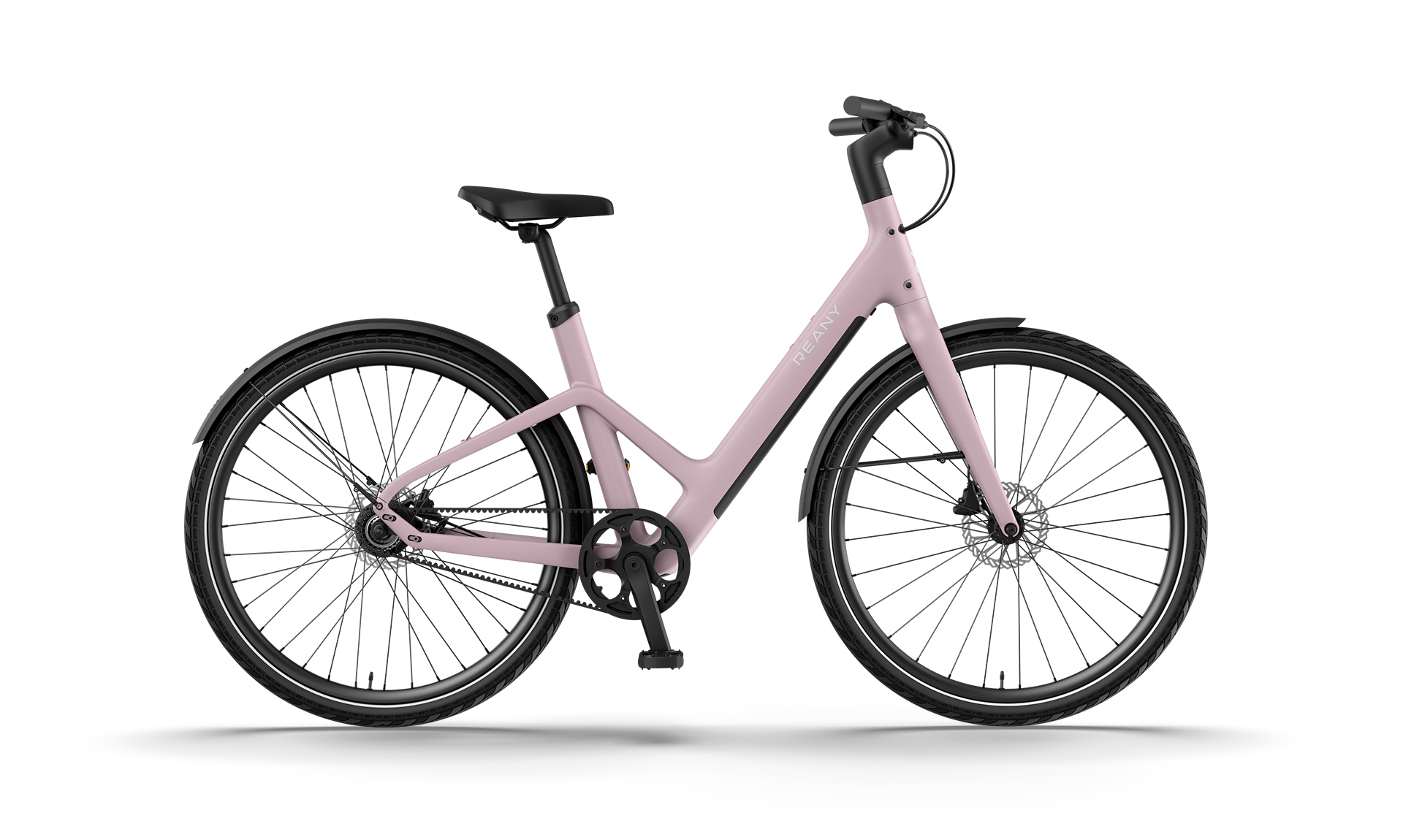
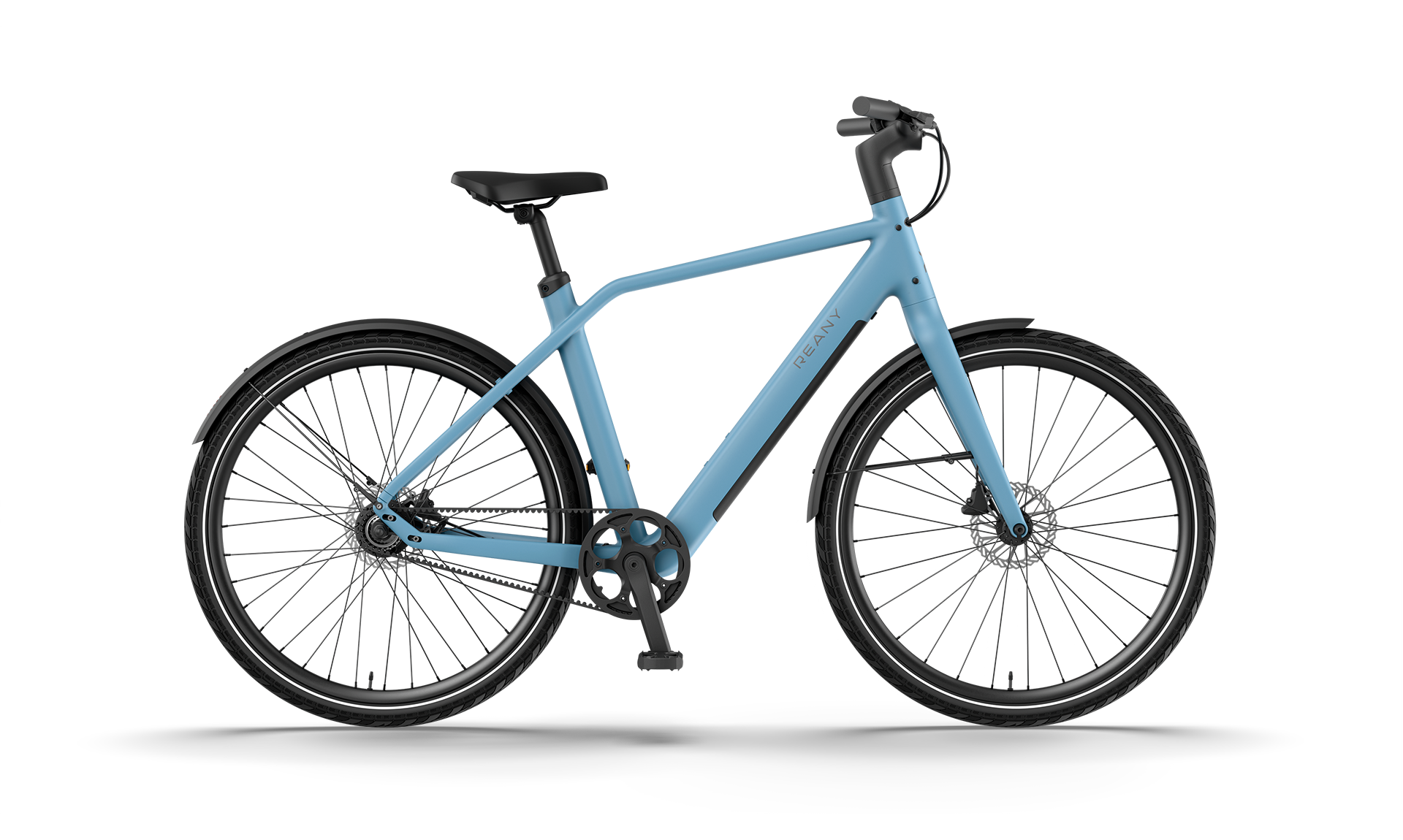
Reany uses different display configurations depending on the model range, while maintaining one common approach: integrating the screen into the design of the bike.
Daily Series: Integrated LCD Display
The Reany W1, N1 and V1 use an LCD display integrated into the handlebar, according to Reany’s published specifications.
On these models, the display forms part of the integrated cockpit rather than appearing as an additional standalone screen mounted above it.
This keeps essential riding information within the handlebar design.
Pro and GT Series: 2.0-Inch IPS Matrix Display
The W1 Pro and N1 Pro, together with the W1 GT and N1 GT, use a 2.0-inch IPS Matrix display integrated into the handlebar.
Compared with the standard LCD displays used on the Daily Series models above, these models use an IPS-based display while maintaining the integrated cockpit approach.
Vivo Series: V1 Vivo+
The V1 Vivo+ uses a 2.0-inch IPS Matrix display integrated into the stem.
Reany also describes the V1 Vivo+ display as a colour IPS screen designed to remain readable in bright sunlight. Its position within the adjustable stem gives the Vivo Series a different cockpit configuration from the handlebar-integrated displays used on the Pro and GT models.
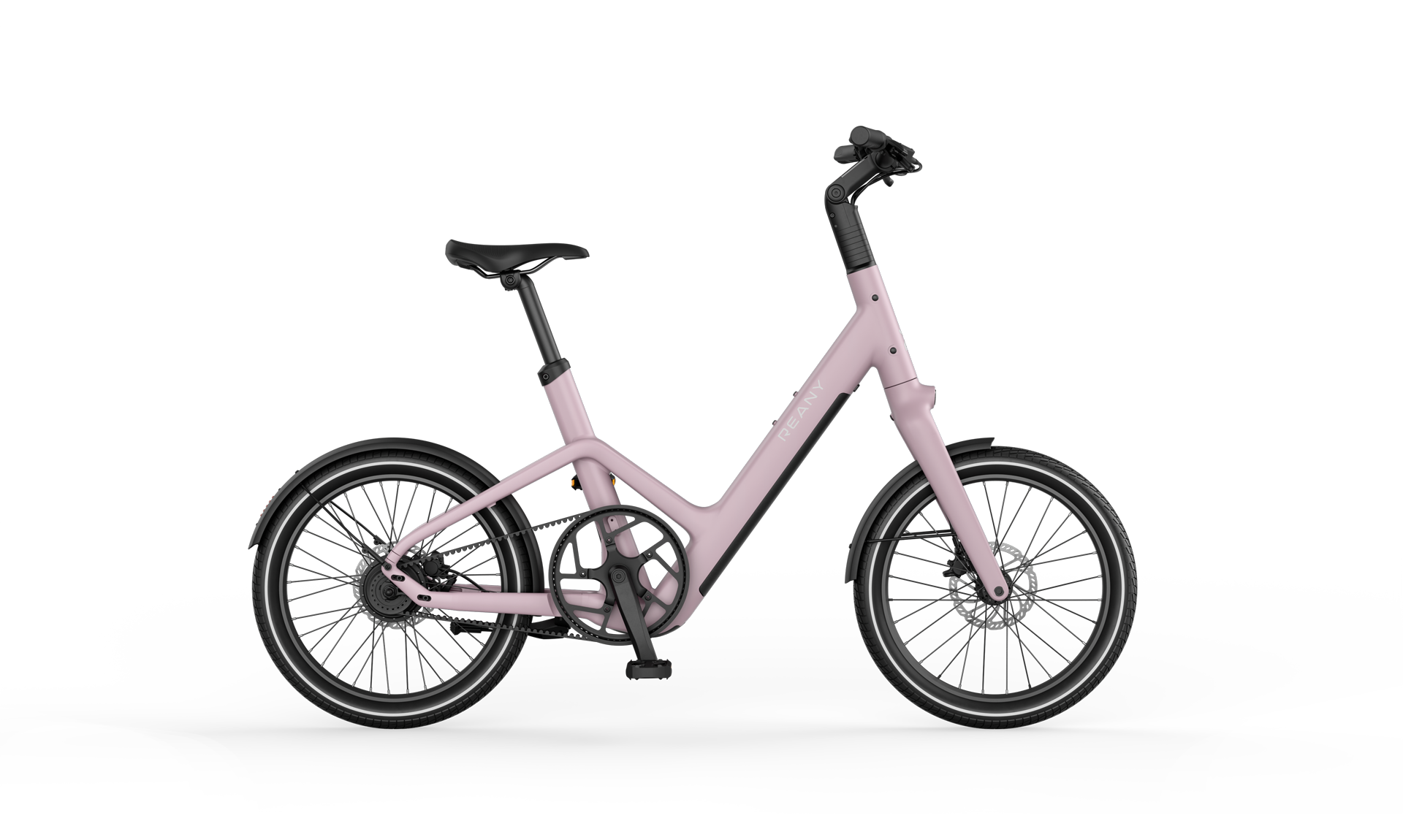
C1: IPS Display Integrated Into the Stem
The Reany C1 also takes a different approach to positioning compared with the handlebar-integrated models.
Reany specifies a 2.0-inch IPS Matrix display integrated into the stem. The full-colour display provides riding information including speed and battery status within the bike’s central cockpit area.
| Reany Range / Model | Published Display | Integration |
| W1 / N1 / V1 | LCD | Handlebar |
| W1 Pro / N1 Pro | 2.0″ IPS Matrix | Handlebar |
| W1 GT / N1 GT | 2.0″ IPS Matrix | Handlebar |
| V1 Vivo+ | 2.0″ IPS Matrix | Stem |
| C1 | 2.0″ IPS Matrix | Stem |
These differences make it possible to compare Reany’s display solutions without assuming functions that the brand does not explicitly specify for each model.
You can explore the current Reany e-bike range to compare the different models and configurations.
What Should You Check on an E-Bike Display During a Test Ride?
A specification sheet can tell you whether an electric bike display uses a standard LCD or an IPS LCD configuration and how large the screen is.
It cannot fully tell you how easy that display will be to use while actually riding.
During a test ride, check five things.
1. Can You Read Your Speed Quickly?
You should not need several seconds to locate one of the most basic pieces of riding information.
Check whether the speed is immediately identifiable while maintaining your normal riding posture.
2. Is the Battery Level Easy to Understand?
Check whether the remaining battery charge can be identified quickly without concentrating on the screen for too long.
The information should make sense at a glance.
3. Can You Clearly Identify the Active Assistance Level?
Change between the available assistance levels and check whether the display makes the selected setting clear.
You should be able to confirm the active mode without searching through the interface.
4. Can You See the Screen From Your Normal Riding Position?
Do not evaluate an e bike display only while standing next to the bike.
Adjust the bike correctly and check how the screen looks while sitting in your normal riding position.
Its location, angle and readability can feel different once you are actually on the bike.
5. Do the Controls Feel Natural?
Try the basic controls before riding and check whether the relationship between the buttons and information on screen is easy to understand.
A good display system should help you interact with the bike without adding unnecessary complexity.
You can book a Reany test ride to assess the display alongside riding position, assistance, braking and the overall behaviour of the bike.
Frequently Asked Questions About E-Bike Displays
What Information Should an E-Bike Display Show?
For everyday riding, it is useful to be able to check speed, battery level and assistance level quickly.
Some systems also provide additional trip information.
The most important factor is not how many metrics are available, but how clearly the essential information is presented.
Is a Bigger E-Bike Screen Always Better?
No.
A larger screen can make information easier to read, but screen size is only one factor.
Contrast, information hierarchy, positioning and the size of the individual numbers or icons can be equally important.
Is a Standard LCD or IPS LCD Display Better for an E-Bike?
There is no universal answer. Both standard LCD and IPS LCD displays can work well on an e-bike. What matters is how the screen has been designed, its readability, its integration into the bike and the information it provides.
Do I Need a Colour Display on an E-Bike?
Not necessarily.
Essential riding data such as speed, battery level and assistance can be communicated effectively without a colour display.
Colour can change how the interface is presented, but it does not replace good information hierarchy or readability.
Do the E-Bike Display and App Show the Same Information?
Not necessarily.
The display usually focuses on information that is useful while riding, while an app can provide route history, additional data, configuration and connected functions.
In Reany’s case, the app complements the display with route recording, ride data, OTA updates, locking functions and other connectivity features.
Conclusion: A Good E Bike Display Should Help Without Distracting You
The best e bike display for everyday riding is not necessarily the one that shows the most information.
Speed, battery level and assistance level are among the most useful data to access quickly while cycling. Beyond that, readability, position, controls and integration determine whether the display is genuinely practical.
Reany uses integrated displays across its current range: standard LCD displays on the W1, N1 and V1; 2.0-inch IPS Matrix displays integrated into the handlebar on the Pro and GT ranges; and 2.0-inch IPS Matrix displays integrated into the stem on the V1 Vivo+ and C1
The technology changes between models, but the question for the rider remains the same:
Can you see the information you need, understand it quickly and keep your attention on the ride?
Specifications help you compare different systems. A Reany test ride lets you check how the display works as part of the complete bike.